
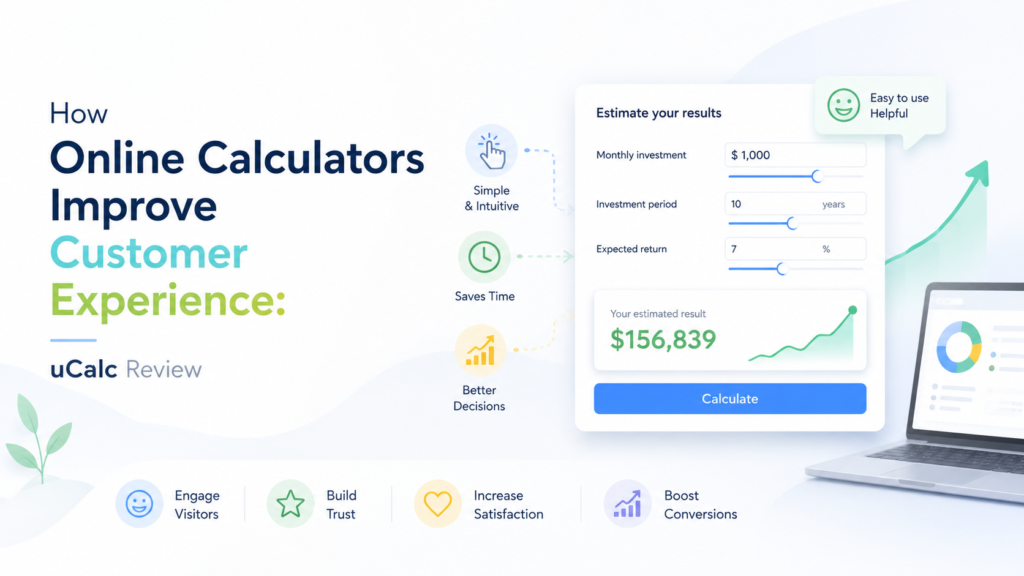
A good customer experience is not only about polite support or attractive design. It is also about clarity. When a visitor comes to a website, they often want to understand something specific before contacting the company: approximate price, project scope, expected savings, delivery time, service package, or the amount of work required.
If the website does not answer these questions, the visitor may hesitate. They may leave the page, compare competitors, or decide that the company is not transparent enough. This is where online calculators can become a useful customer experience tool.
An online calculator gives the visitor an immediate, personalized result. Instead of reading a general service description, the user can enter details about their situation and receive an estimate, score, recommendation, or price range. For businesses, this creates two benefits at once: the customer gets more clarity, and the company receives better information about the customer’s needs.
One tool that can be used for this purpose is uCalc — a builder for online calculators and forms that allows businesses to create interactive website widgets without programming. According to the official uCalc website, the platform offers ready-made templates, a visual editor, contact collection, payment options, email and SMS notifications, and the ability to share calculators by link or embed them on a website.
Why Calculators Matter for Customer Experience
Many website visitors are not ready to contact a company immediately. They may still be trying to understand whether the service fits their budget, whether the offer matches their situation, or what kind of result they can expect.
A calculator helps reduce this uncertainty. It turns a vague question into a simple interaction.
For example, a service company can add a cost estimate calculator. A consulting agency can add a project scope calculator. A customer experience agency can add a CX readiness score. A marketing company can add an ROI calculator. A local business can add a booking or service estimate form.
This type of interaction improves the customer journey because it gives the user something useful before asking them to make a decision. The visitor does not feel forced into a sales conversation too early. Instead, they receive information that helps them move forward with more confidence.
How uCalc Fits This Task
uCalc is useful for businesses that want to add calculators or smart forms to a website without building a custom tool from scratch. The service is designed for creating calculators and forms, including widgets with fields, sliders, checkboxes, lists, formulas, contact details, and notifications.
For a business website, this is practical because most calculator ideas do not require complex custom development. A company often needs a simple tool that can ask several questions, apply a formula, show a result, and send the submitted details to the business.
The official uCalc page describes the platform as a calculator and form builder that can be created without programming skills. It also highlights customizable templates, visual editing, contact collection, payment acceptance, email and SMS notifications, and mobile-friendly usage.
For customer experience work, the most important point is not only the calculation itself. The value is in the interaction. A calculator can make a website feel more helpful, more transparent, and more responsive to the visitor’s specific situation.
What You Can Build With uCalc
uCalc can be used for different types of business calculators. The exact format depends on the website and the customer journey.
A consulting company can create a project estimate calculator where users choose company size, business challenge, number of departments, and desired level of support. The result can show a recommended consultation format or estimated project complexity.
A service business can create a price range calculator where visitors choose the type of service, volume, location, urgency, and optional add-ons. This helps reduce repeated questions before the first call.
A marketing or CX agency can build a diagnostic calculator. For example, users can answer questions about website clarity, response time, customer feedback, onboarding, and retention. The result can show a “customer experience readiness score” and suggest what should be reviewed first.
An online store can create a product selection calculator that recommends a product type based on customer needs. A B2B company can create a savings calculator that estimates how much time or money a client could save.
In all these cases, the calculator supports customer experience because it helps the visitor understand the offer in relation to their own needs.
uCalc for Lead Generation
Online calculators can also improve lead quality. A basic contact form usually gives limited information: name, email, phone number, and a short message. A calculator can collect more structured context before the first conversation.
For example, if a potential client submits a calculator for a service estimate, the business may already know the project size, selected options, budget level, urgency, and preferred service type. This makes the first sales or consultation call more focused.
uCalc supports combining calculator logic with forms. The platform’s materials describe contact collection and notifications as part of the calculator workflow, which makes it suitable for turning calculator interactions into lead submissions.
This is important for customer experience because it saves time on both sides. The customer does not have to explain everything from the beginning, and the business can respond with more relevant information.
Step-by-Step: How to Create a Calculator in uCalc
The process should start before opening the tool. A calculator is only useful when it answers a real customer question.
Step 1. Define the Customer Question
Choose one question your website visitors often have. For example:
“How much could this service cost?”
“Which package is right for me?”
“How ready is my business to improve customer experience?”
“What level of support do I need?”
“How much time could this process save?”
The calculator should be built around that question.
Step 2. Choose the Inputs
Decide what information the user must provide to get a useful result.
For a service estimate calculator, inputs may include project type, company size, urgency, number of locations, and optional services. For a CX readiness calculator, inputs may include customer feedback frequency, response time, website clarity, support quality, and retention level.
Keep the number of fields reasonable. A calculator should feel useful, not exhausting.
Step 3. Build the Formula or Scoring Logic
In uCalc, you can connect fields with calculation logic. Depending on the idea, the result may be a price estimate, score, recommendation, range, or category.
For customer experience projects, a score-based calculator can work well. For example, each answer adds points, and the final result places the business into one of several categories: “Needs CX Review,” “Stable but Inconsistent,” or “Strong Customer Experience Foundation.”
Step 4. Add Contact Fields Carefully
If the calculator is used for lead generation, add fields such as name, email, company name, or phone number. However, do not ask for too much information too early.
A common approach is to show the result first, then offer the user a consultation. Another approach is to ask for contact details before sending a detailed version of the result. The best option depends on the business and audience.
Step 5. Customize the Design
The calculator should match the website visually. Adjust colors, fonts, field labels, button text, and spacing so the widget feels like part of the page.
This matters for trust. If the calculator looks disconnected from the website, users may hesitate to complete it.
Step 6. Embed the Calculator on the Website
After the calculator is ready, place it where it supports the customer journey. Good locations include a service page, landing page, pricing page, blog post, or dedicated “Get an Estimate” page.
The calculator should appear at the moment when the visitor is already thinking about the question it answers.
Step 7. Review Submissions and Improve
After launch, analyze how people use the calculator. Which options are selected most often? Where do users stop? What results are common? Which submissions become qualified leads?
This information can help improve the calculator, website copy, service packages, and sales process.
Strengths of uCalc
The main strength of uCalc is that it gives businesses a practical way to build calculators without custom development. This is useful for small businesses, agencies, consultants, local services, and website owners who want interactive functionality but do not want to create a custom-coded solution.
The visual editor and templates can reduce setup time. The ability to combine calculator fields with contact collection makes the tool useful not only for engagement, but also for lead generation. Notifications can help teams respond faster when a user submits a request. The official uCalc website also notes that calculators can be used on a website or shared by link through messengers, social media, and email.
Another benefit is flexibility. A calculator does not have to be only about price. It can be used for recommendations, scores, diagnostics, savings estimates, package selection, or service planning.
Possible Limitations
uCalc is a strong option for practical website calculators, but it is still important to plan the structure carefully. A calculator with weak logic will not become useful just because it is interactive.
Businesses should avoid creating calculators that promise exact results when only an estimate is possible. For example, if the final price depends on many project details, the calculator should show a range or preliminary estimate rather than a guaranteed quote.
It is also important not to make the calculator too long. If the interaction feels like a large form with a formula at the end, users may abandon it. The best calculators are simple, clear, and immediately connected to the visitor’s question.
Where uCalc Works Best
uCalc works especially well for businesses where customers need a preliminary answer before contacting the company.
This includes service pricing, project estimates, package selection, quote requests, savings calculations, consultation planning, diagnostic scores, and lead qualification. For customer experience agencies, it can also be used to create CX self-assessment tools, feedback-based scoring, or website improvement checklists.
For example, Customer Path Lab could use a uCalc widget to create a “Customer Experience Readiness Calculator.” A visitor would answer several questions about feedback collection, response speed, website clarity, onboarding, support, and retention. The calculator would then show a score and recommend whether the business should start with journey mapping, feedback research, or website experience review.
That type of calculator would support both sides of the interaction: the visitor receives useful guidance, and the agency receives structured information about the potential client’s situation.
Conclusion
Online calculators are useful because they make websites more interactive, more helpful, and more customer-centered. They reduce uncertainty, answer practical questions, and help businesses collect better lead information.
uCalc is a practical tool for creating calculators and forms without complex development. It can help businesses build estimate calculators, scoring tools, recommendation widgets, and lead forms that feel useful to visitors and valuable to the company.
For customer experience work, the main lesson is simple: people are more likely to engage when a website helps them understand their own situation. A well-designed calculator does exactly that.